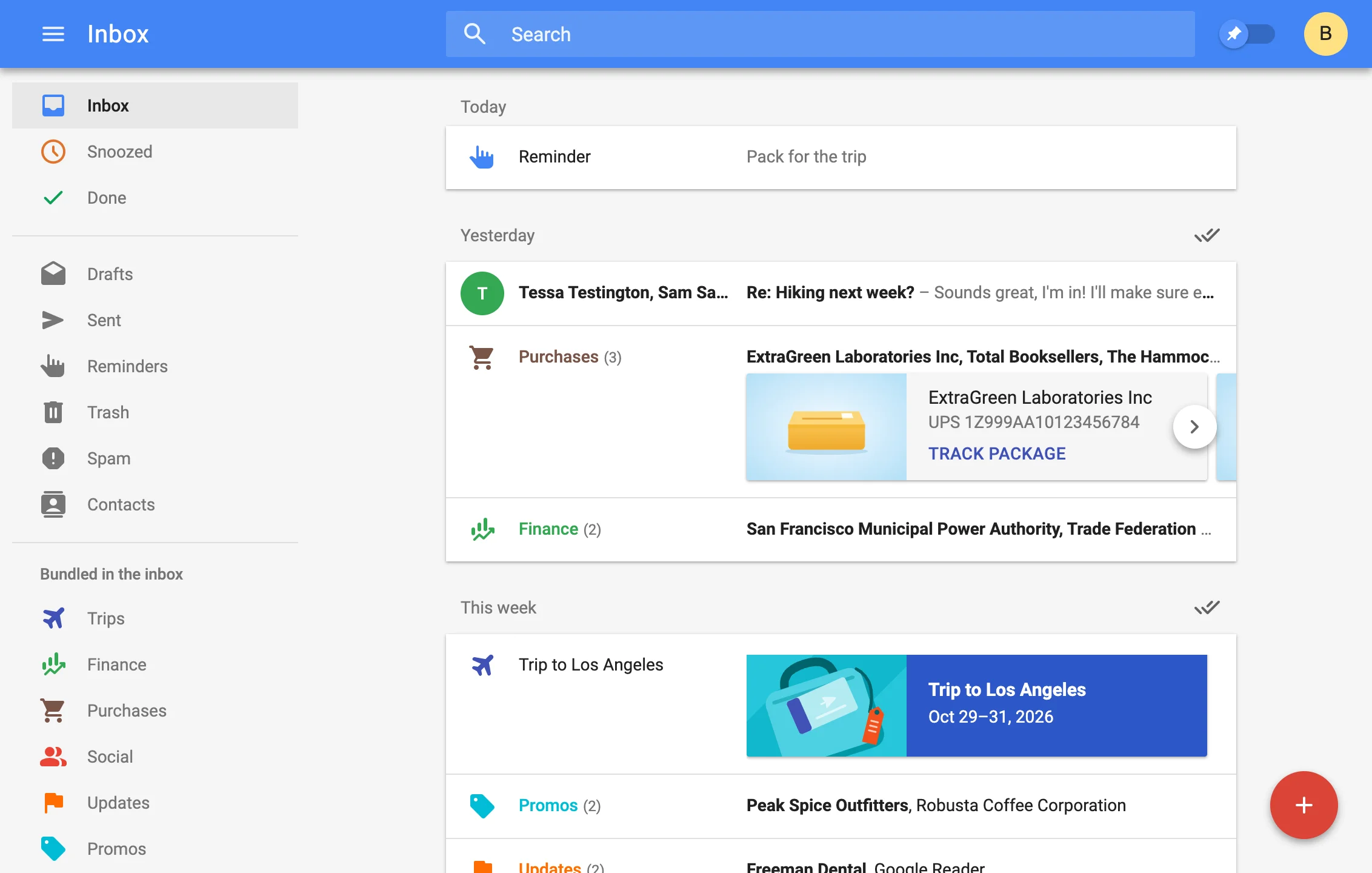
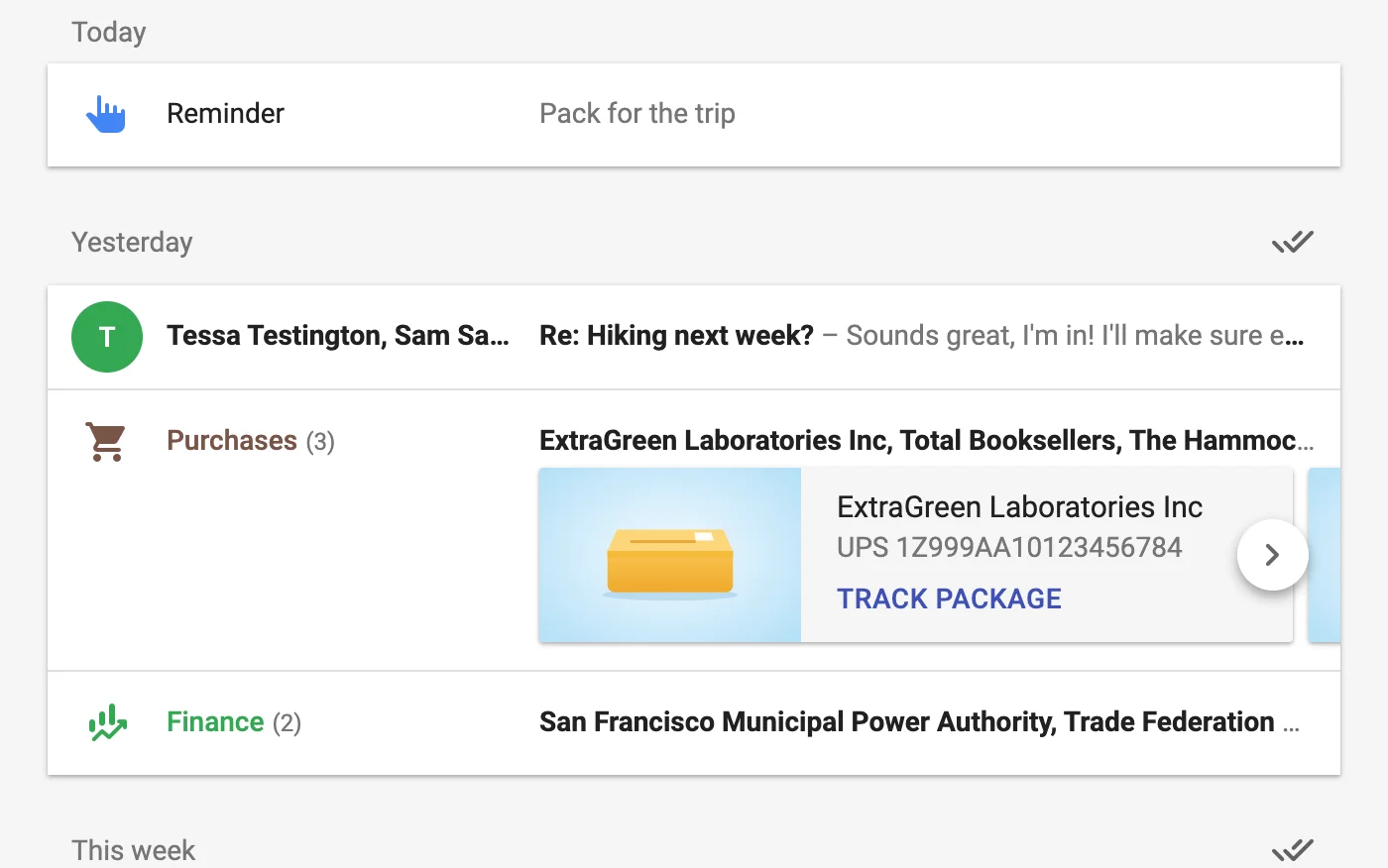
Unified Mail Stream
All emails seamlessly flow into one another, with smooth animations!
 NeoInbox
Recreating the classic Google™ Inbox experience as a fully local Thunderbird extension that works with any email account.
The live demo is intended for desktops, but you can open it here anyway!
All emails seamlessly flow into one another, with smooth animations!
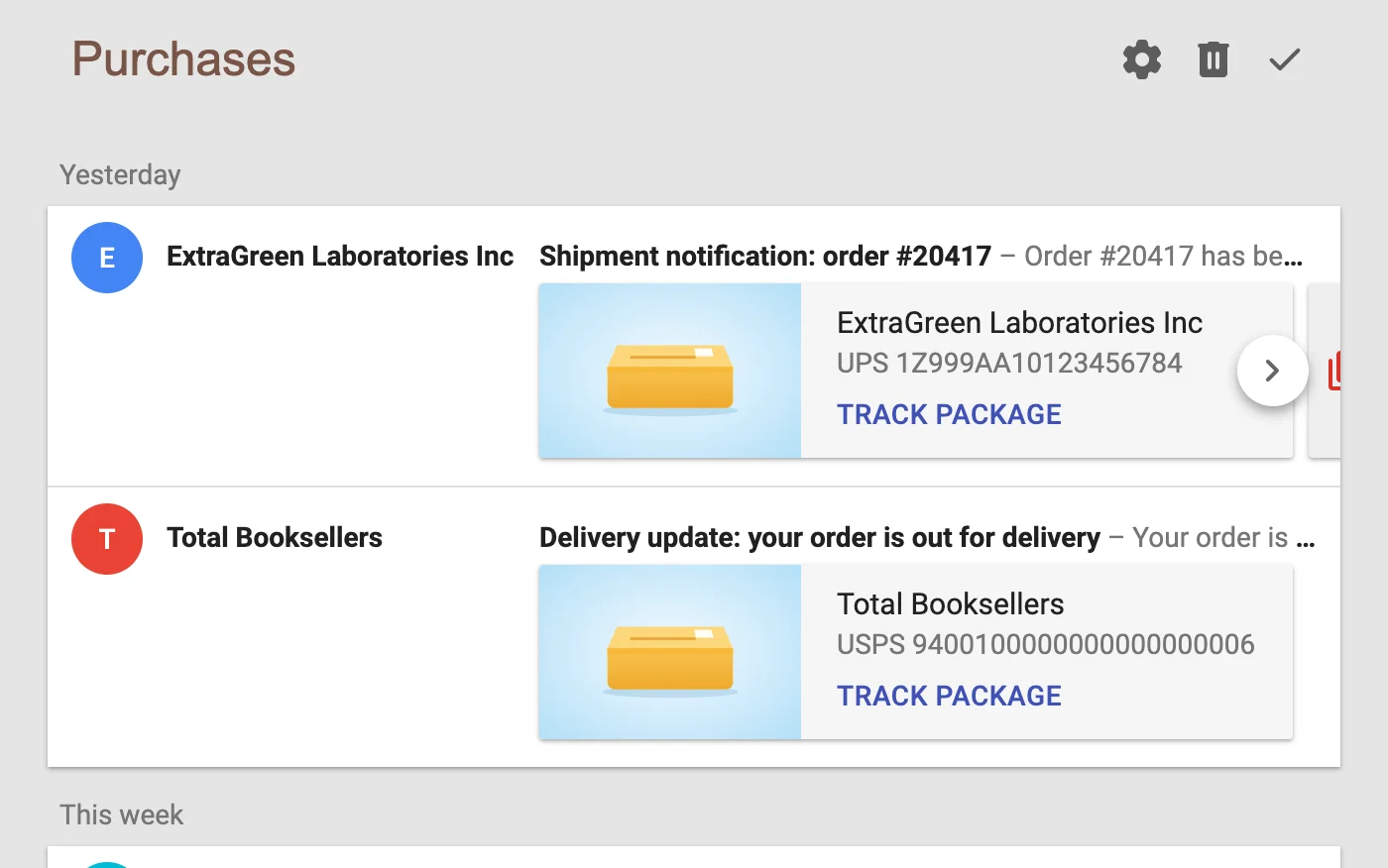
Forget about like folders or whatever; emails are "bundled" as part of the mail stream, cleanly grouping things in logical categories.
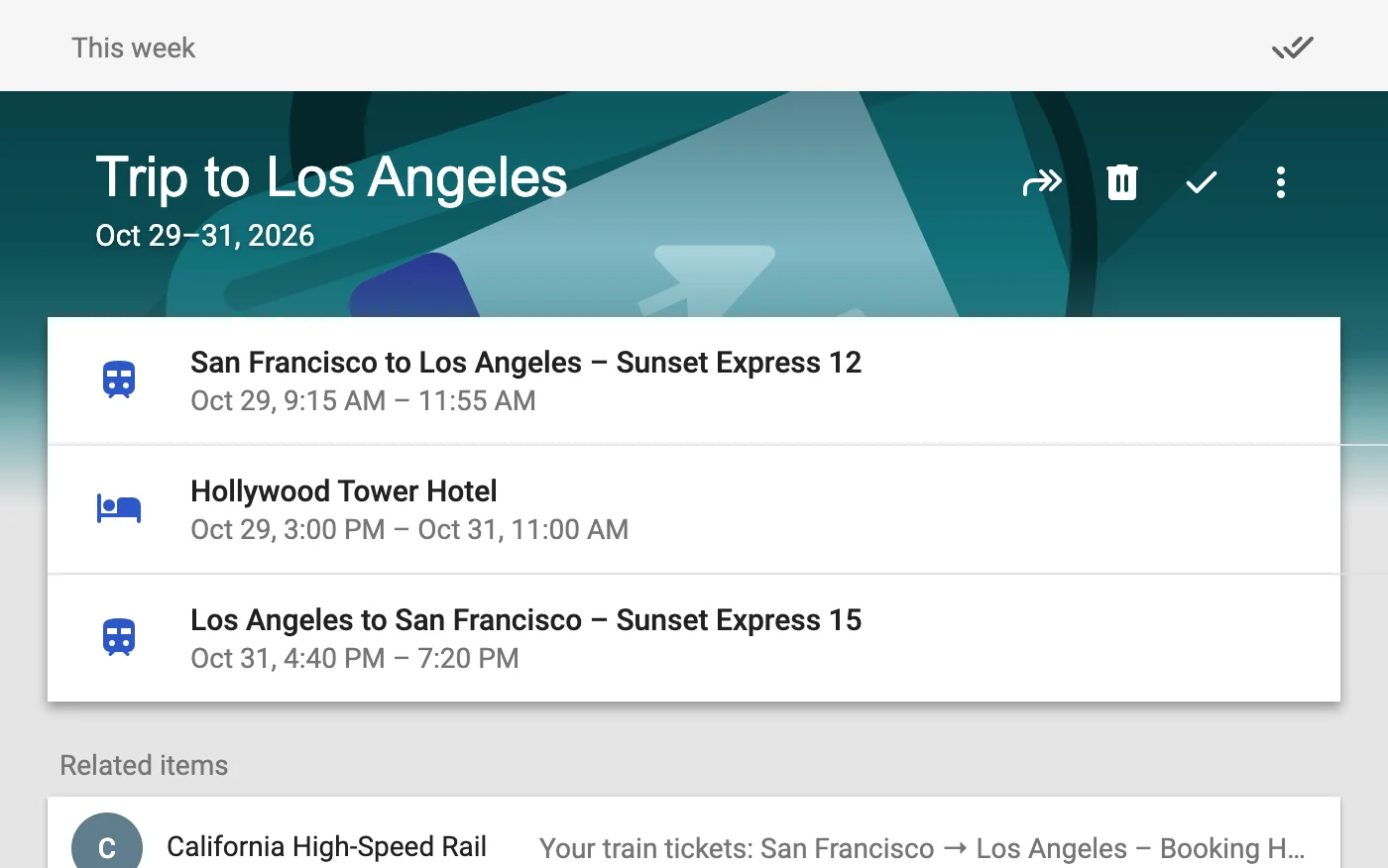
Flight, hotel, train and dinner confirmations are automatically parsed and bundled together as a trip!
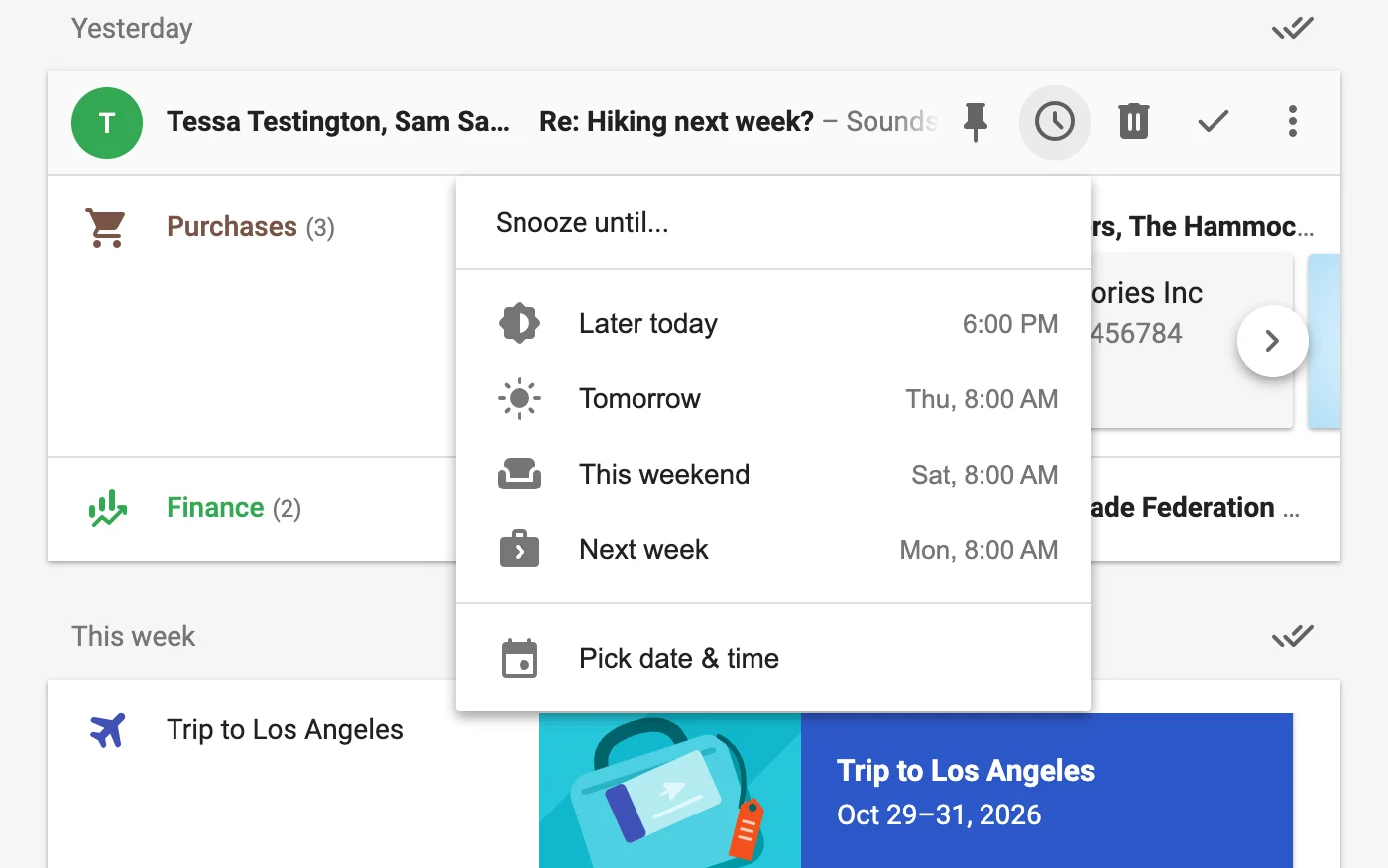
Achieve the mythical state of Inbox Zero by marking completed messages as done, or just snooze them until later!
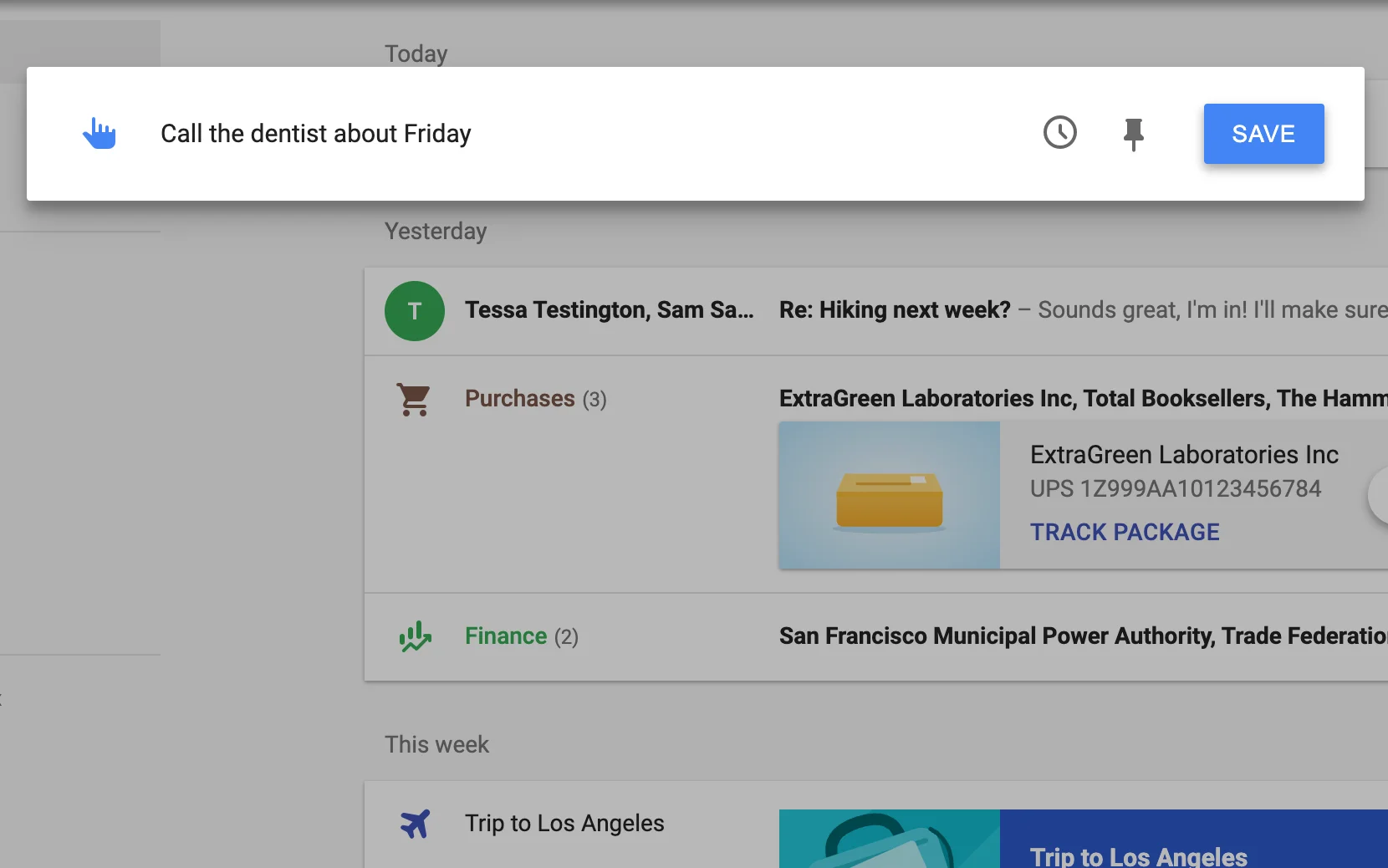
Instead of emailing yourself, you can just directly input reminders into the inbox!
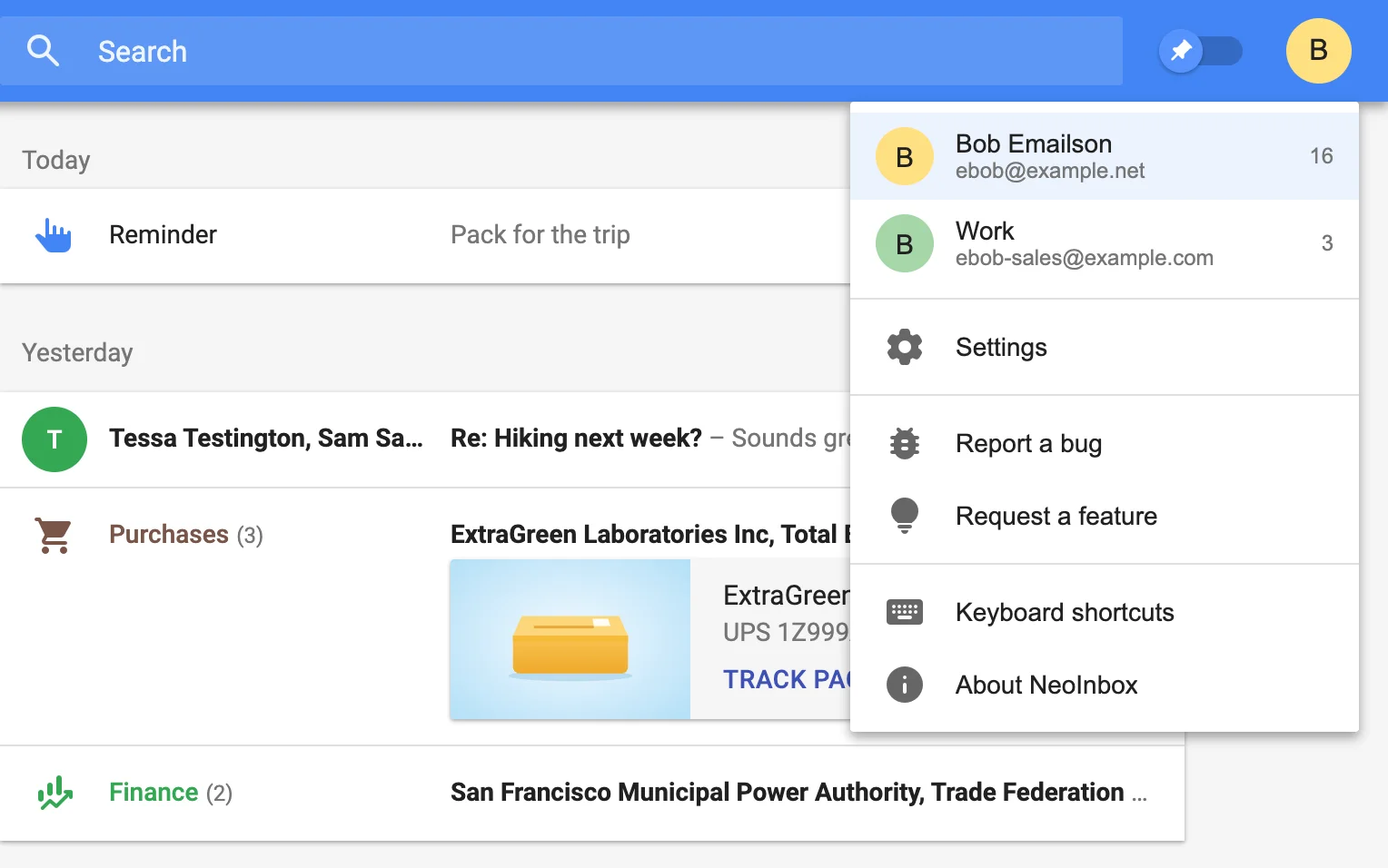
All sorting happens on your computer, with no telemetry, subscriptions, or other unpleasantries!
To get started with NeoInbox, you'll first need to install Thunderbird, a free, open source email client. It supports almost every email service, including Gmail, Yahoo Mail, and Outlook!
Already using Thunderbird 128 or newer? Skip ahead to installing NeoInbox.
Prefer GitHub? Every version is also on the releases page.
In 2014, Google released Inbox™ by Gmail™ and solved email UX. Even now, 7 years after Google made the objectively incorrect decision to shut it down, almost nothing has come close to Inbox’s elegant way of visualizing and organizing emails. (The best attempt by far was a cloud email service called Shortwave, which was at least initially intended as a true spiritual successor to Inbox. Sadly, even that project ultimately strayed too far from the Inbox UX, implementing a non-optional 2-pane view that did away with one of Inbox’s best UX concepts.) Given this constant stream of false starts and betrayals, I wanted to build something that looked and worked more or less exactly like the original Inbox, but was fully local and could work with any email account. Something that, once you had it on your computer, wouldn’t suddenly vanish or change because the creator lost interest or suddenly got a different idea about how your email should look!
Email is a pile of legacy cruft and strange workarounds. There’s a reason why basically every fancy email frontend tends to just call the Gmail API instead of doing things the standards-compliant email way (via IMAP). By using Thunderbird (an ancient and highly proven open source email client) as the basis, we can conveniently sidestep all the backend craziness and focus on what matters: building the ultimate email UX.
Short answer: the real Inbox didn’t have one! Longer answer: Inbox was designed around the concept of task-based email: an email is either “done” or “not done”. Whether or not you’ve read it is fundamentally irrelevant to its “done”-ness. Also, if you think about it, “unreading” a message makes no sense, conceptually; it’s just a convenient workaround we tend to use for “I should probably do something with this email later”, which is better served by keeping the email not done.